man labconsole
From your image to a live class
Six steps, most of them ours. You bring the course material and the images; LabConsole does the conversion, the builds, and the plumbing.
-
01
Bring your images
Upload the OVA you already ship, or start from a standard OS base. LabConsole converts uploads to native KVM automatically and adds them to your private template library.
-
02
Compose the course
Define what one student's lab looks like - which machines, how much CPU and memory, how they are networked. That blueprint plus your PDF deck is the course. The blueprint describes one student; LabConsole multiplies it out for eight students or thirty.
-
03
Schedule a class
Pick the dates and the head count. LabConsole builds a private copy of the lab for every student ahead of time - the classroom is warm before anyone arrives.
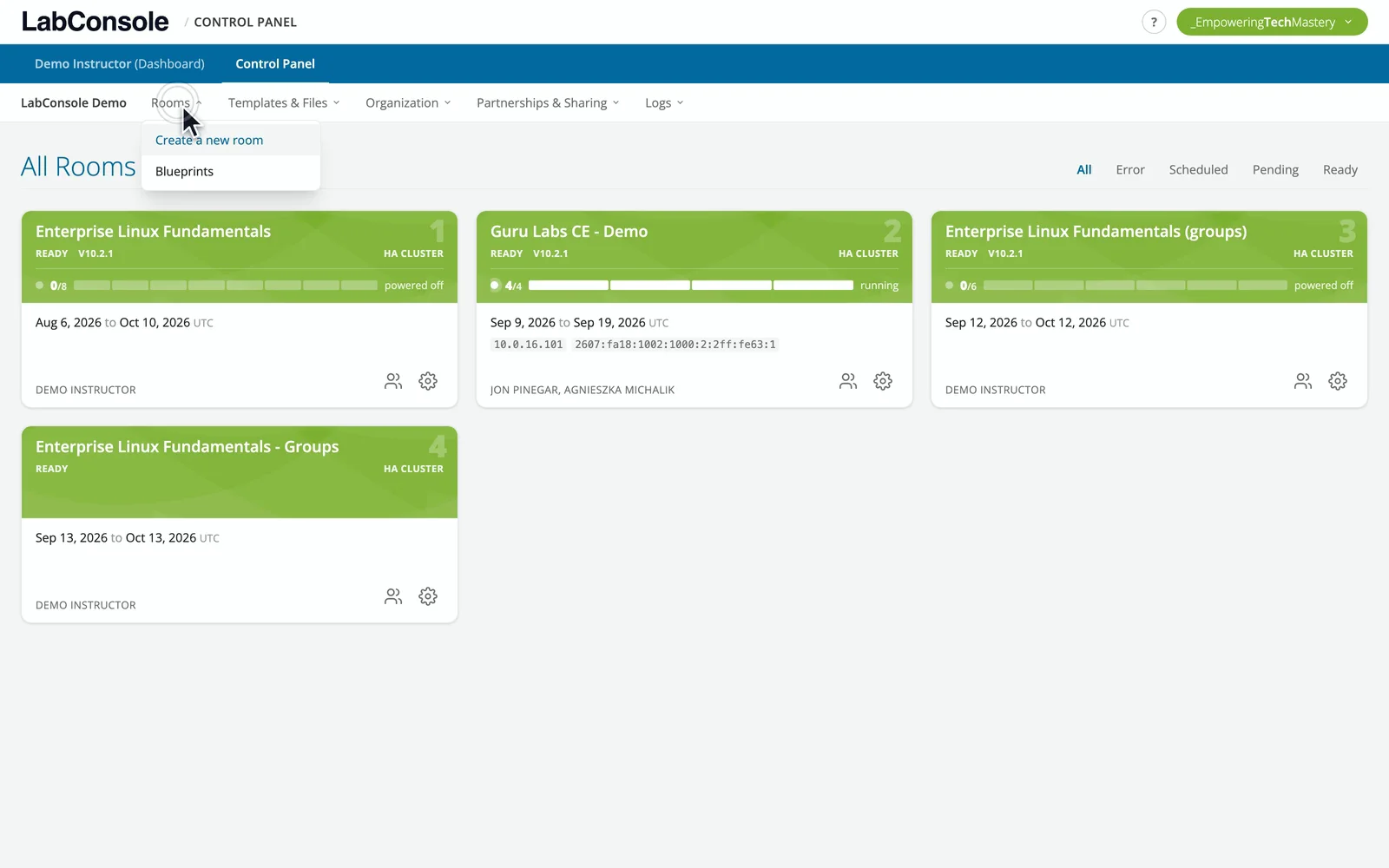
chapter 6 of the tour - a class built, and saved as a blueprint -
04
Students join with a code
Each student opens a browser and enters an access code. No accounts, no installs, no VPN. Their machines, the deck, chat, and your voice are all in that one window.
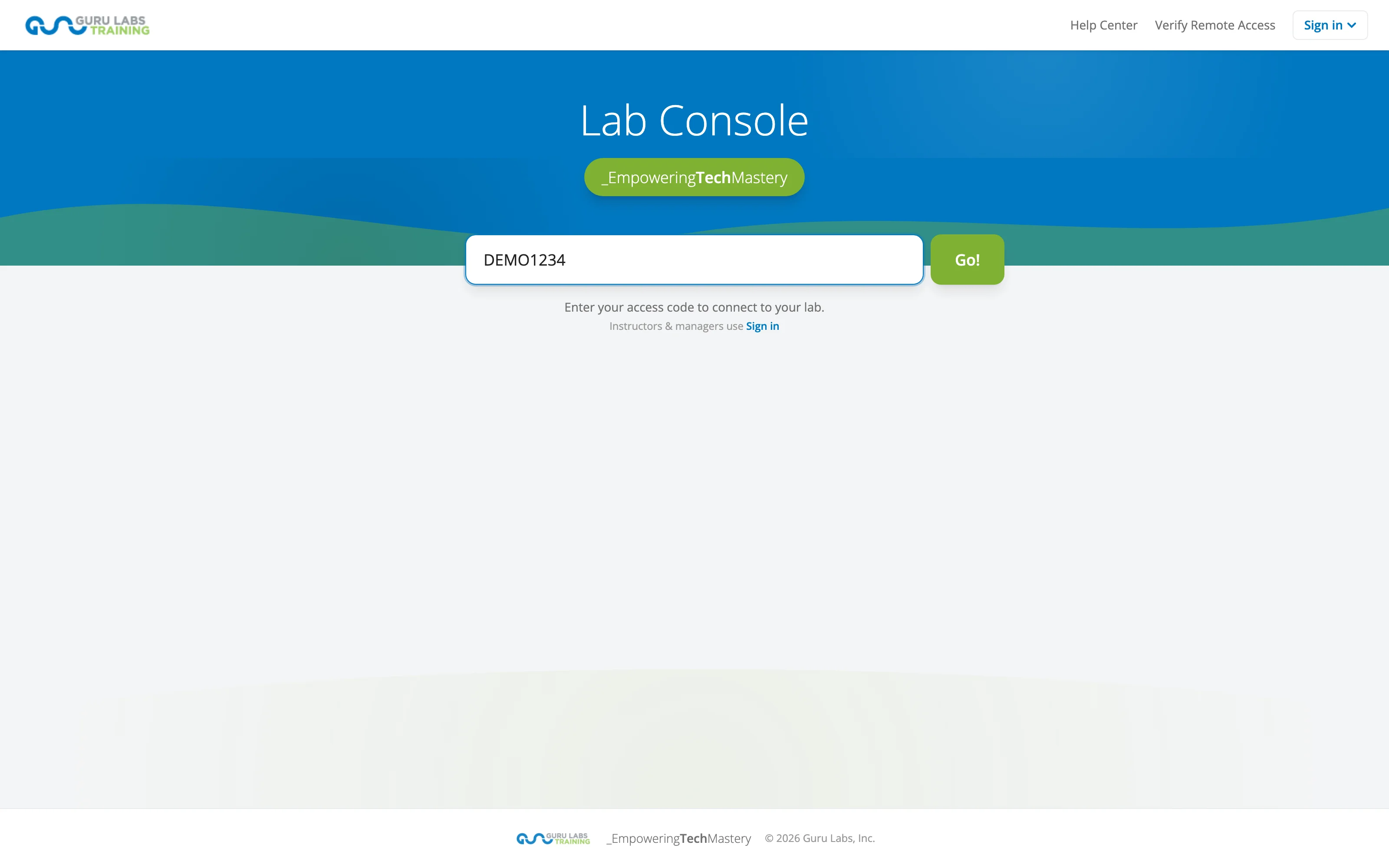
-
05
Teach from the grid
Present synchronized slides, run timed labs, watch every screen on the instructor grid, and drop into any student's machine the moment they need a hand.
-
06
Reset, reuse, repeat
After class, labs tear down on schedule. The course - templates, blueprint, deck - stays ready for the next cohort, or for the API to schedule automatically.
uname -a labconsole
Under the hood
LabConsole runs on KVM - the open-source hypervisor behind most of the world's clouds - on hardware we operate. Student consoles travel over secure WebSockets to the browser; the classroom's audio and video ride a built-in real-time media stack. Everything the instructor can do in the UI is also a REST API call, and a built-in MCP server exposes the same operations to AI agents.
- KVM virtualization on dedicated training infrastructure
- Browser-native consoles - graphical and text, no plugins
- REST API + MCP server for full-class automation
whitepaper.pdfbuilding
The architecture whitepaper
A deeper technical tour - the virtualization layer, console data path, classroom media, and the automation surface - is being prepared for publication.
Available soon - email us for an early copy.
$ labconsole request-access
See the whole flow with your course
A guided pilot walks these six steps with your real material - images, blueprint, deck, class.